Beauty appointments
BeautyDrop
A mobile product for discovering beauty appointments. Explore the current product and availability in our official catalog.
View product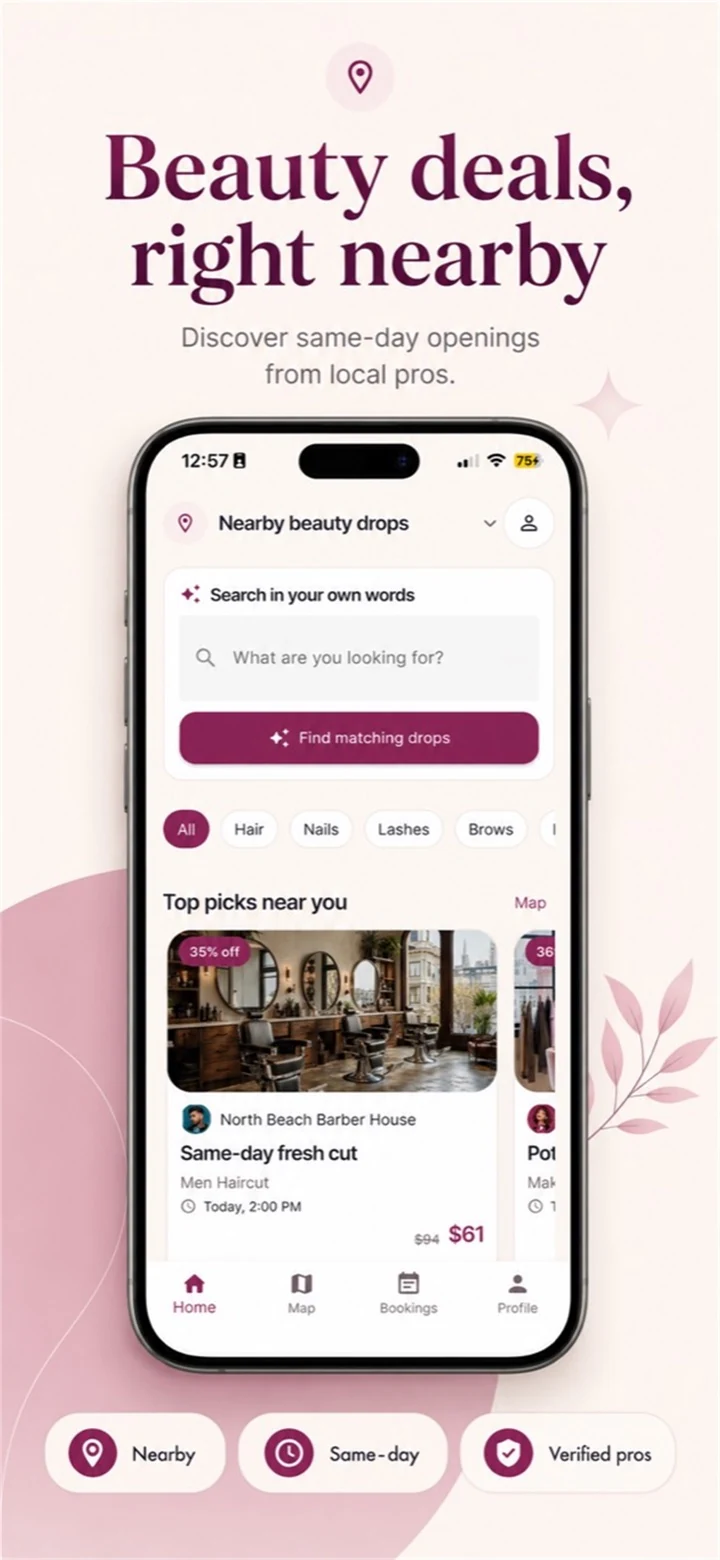
 DECODATION
Our own apps and digital products, viewed through the tasks they help people complete. Explore the interfaces, then use the workflow examples below to prepare your own project brief.
Our own products. Real experience, built in.
Beauty appointments
A mobile product for discovering beauty appointments. Explore the current product and availability in our official catalog.
View productHVAC supply tools
A mobile HVAC portal for supply locations, refrigerant price information and pickup appointments. See the official catalog for current availability.
View product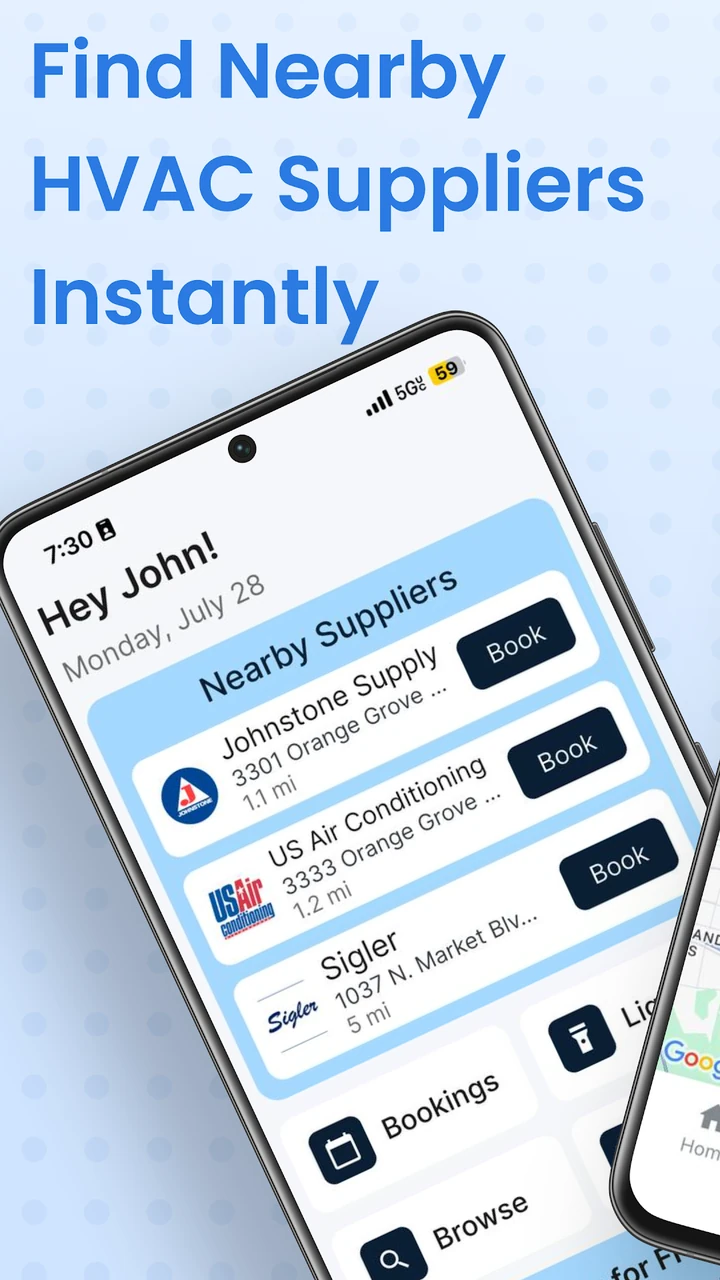
Business
Bring jobs, customers, your team, and billing together in one work organizer.
View product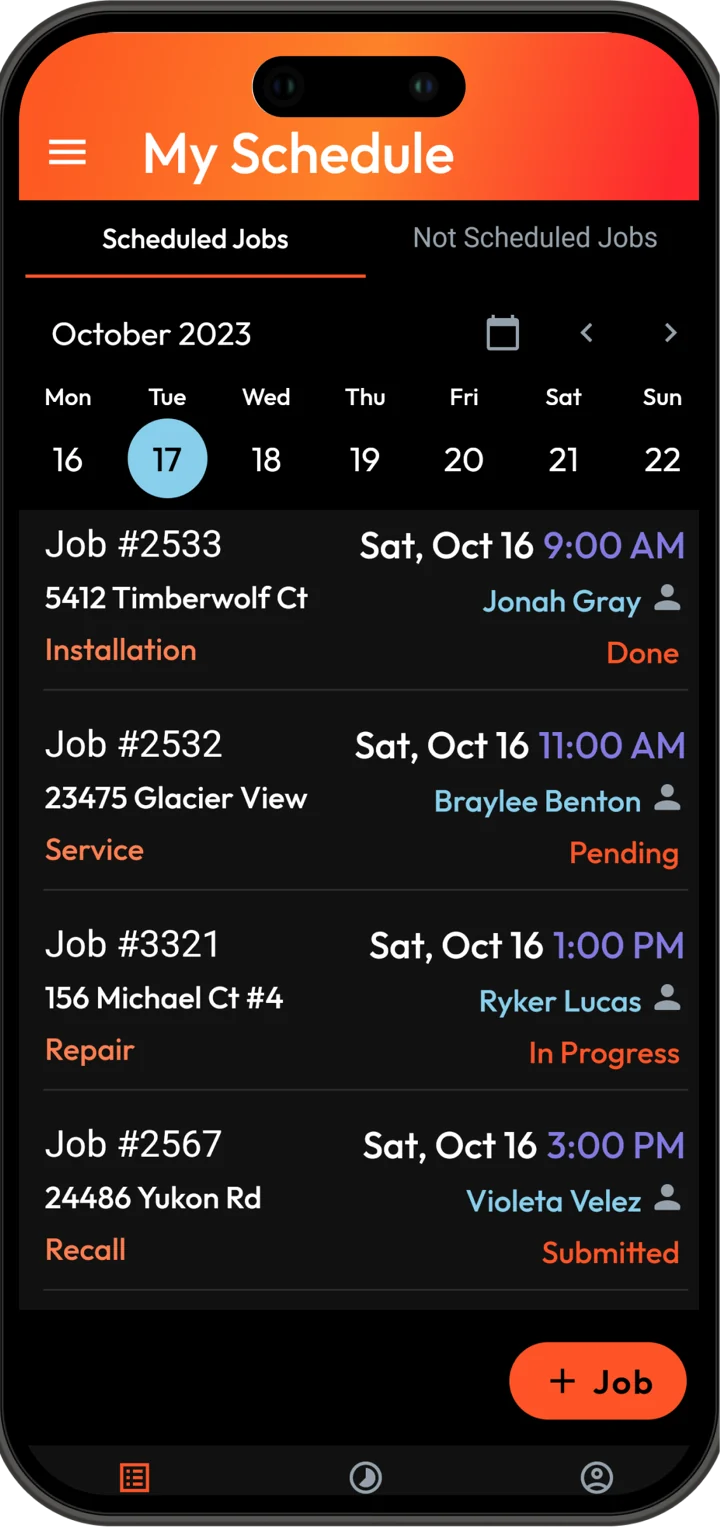
Business
Create polished estimates and invoices without starting from scratch.
View product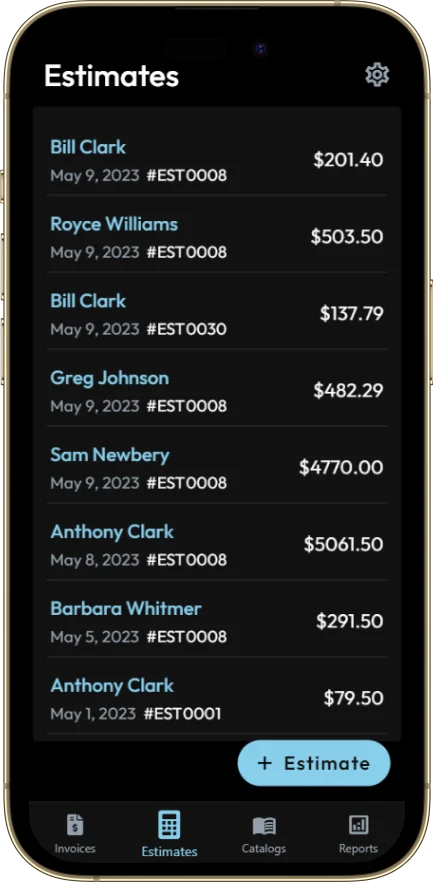
Everyday tools, from business to wellbeing.
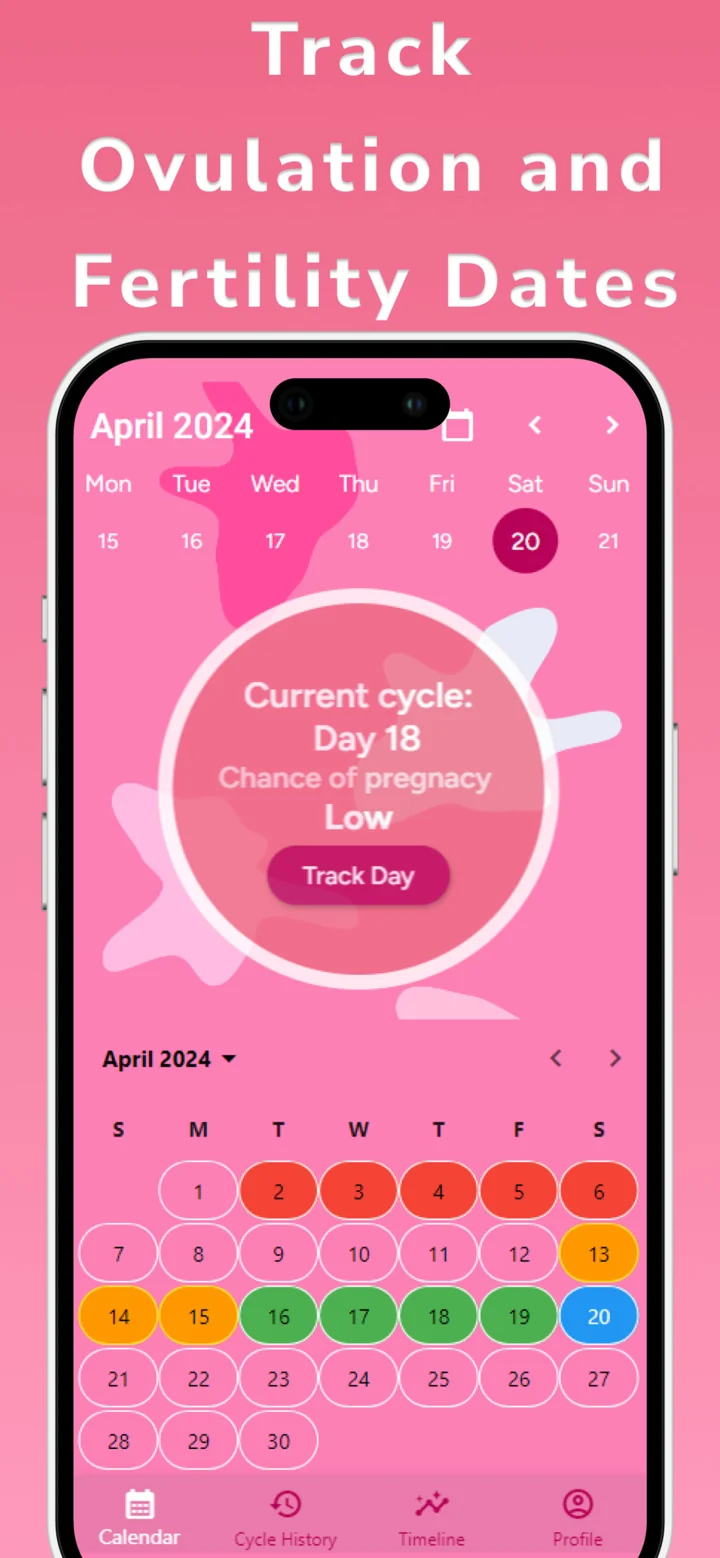
Wellbeing
A personal calendar for periods, symptoms, moods, and cycle patterns.
Official My Cycle promotional interface preview.
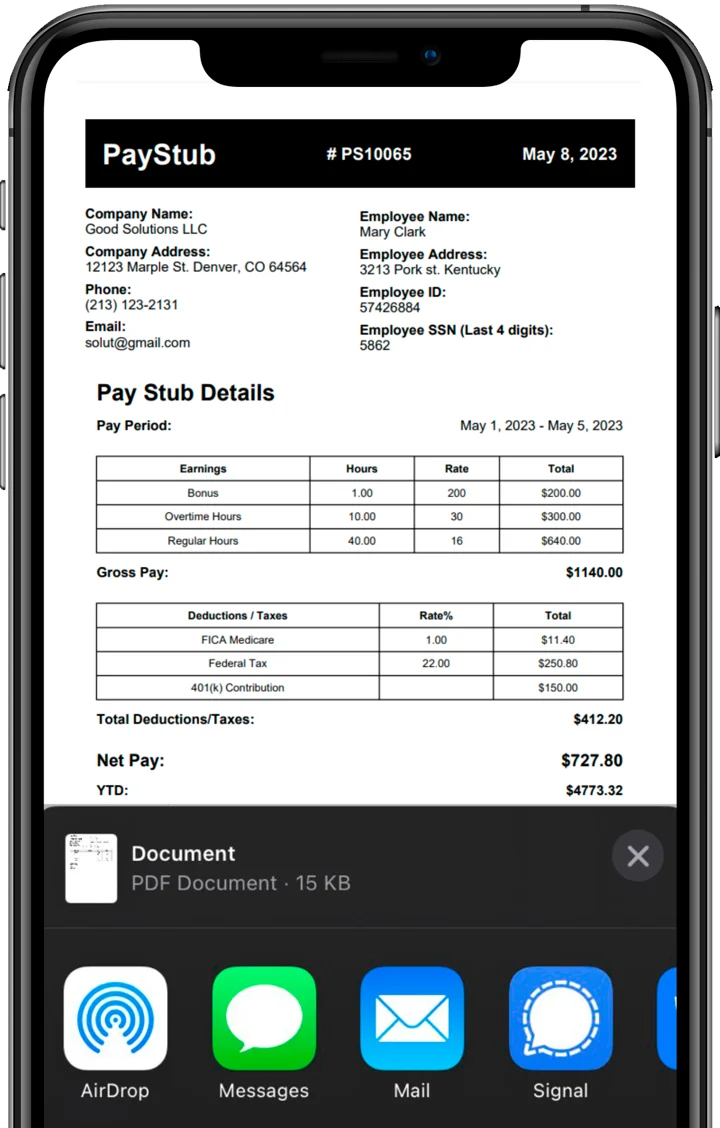
Business
Prepare professional payslips with earnings, deductions, and pay-period details.
Official PayStub interface presentation.
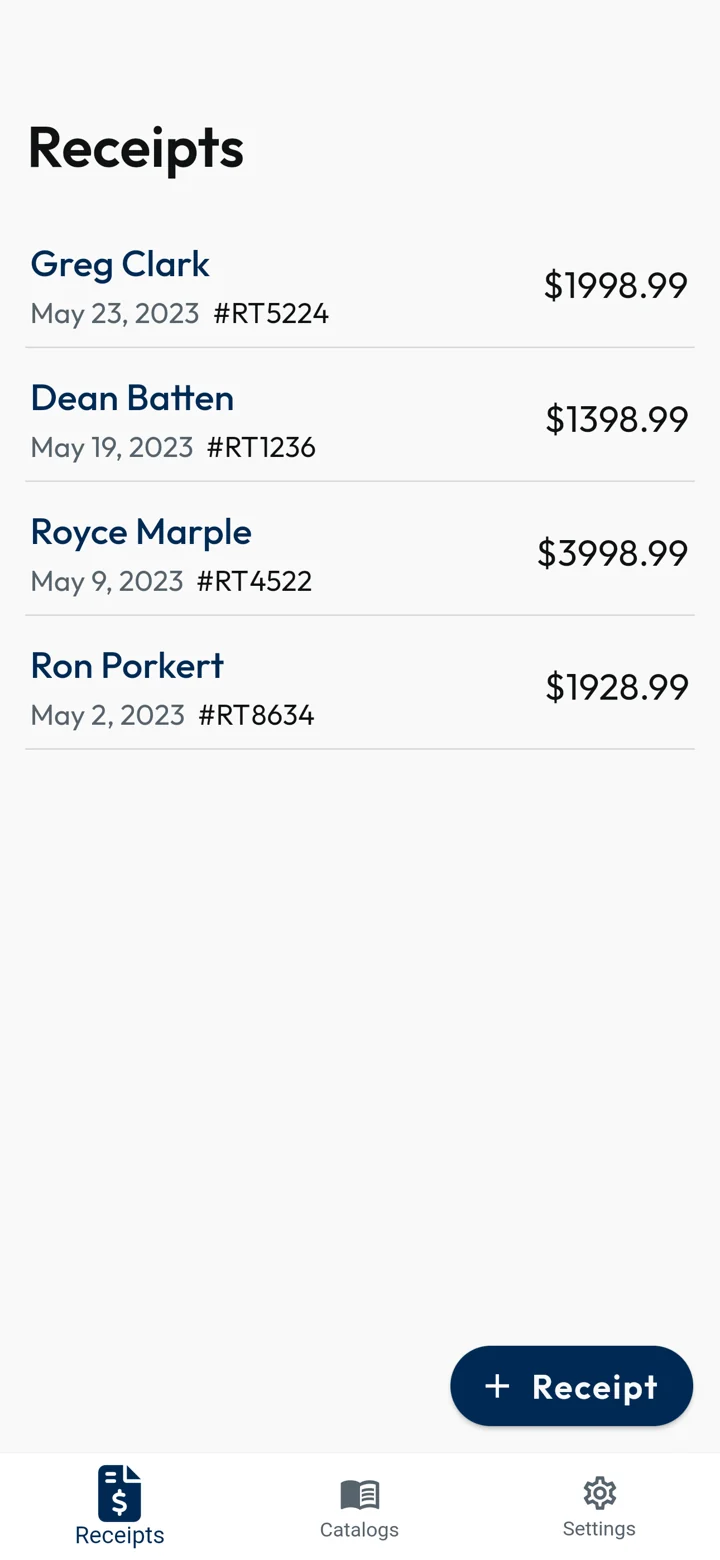
Business
Make branded digital receipts you can preview, share, and print.
Receipt Maker app screenshot from the official Decodation catalog.

Conversation & lyrics app
Private betaPractice useful phrases, explore AI conversation cues and follow your own timed lyrics with phone controls.
SayZa browser beta interface preview; not a physical device capture.
A useful reference shows the records, people and handoffs behind an interface. Follow these product workflows, then decide which parts your first release needs. The linked catalog pages have current product details and availability.
Customers compare local beauty and wellness openings, review the service, location and prices, then send a request for the professional to confirm. The product joins discovery with an appointment handoff between two people.
For your brief: Will your product publish listings, manage requests or both? Define who can post an opening, when it stops being available and what confirmation the customer receives.
Explore BeautyDrop Slots ↗HVAC technicians can locate suppliers, examine listed refrigerant prices and arrange a pickup using the supplier’s available slots. The workflow combines information to compare with a practical appointment action.
For your brief: Name the data that changes and who maintains it. Specify whether a price is informational, whether stock must be current and how a pickup is confirmed.
Explore Contactor ↗Worganizer Pro connects scheduled jobs, customer records, staff assignments and billing, with photos, timesheets and reports alongside them. Several people can participate in the work represented by one job.
For your brief: Map who creates a job, updates its status and sends an invoice. Decide which handoffs belong in the first release; team permissions and shared records add scope beyond a simple calendar.
Explore Worganizer Pro ↗Saved client and item details feed into estimates and invoices. An estimate can become an invoice, with PDF export and a record of paid and outstanding invoices.
For your brief: List what people enter once, which details they reuse and the document states they need. Decide whether an editable draft is enough or whether your tool also needs saved customers, reusable items and a history.
Explore Invoice Maker ↗BeautyDrop Slots uses a request followed by a professional’s confirmation; Contactor connects a pickup appointment to a supplier’s available slots. For a similar product, decide whether a request reserves capacity or asks someone to act. That choice affects availability rules, status messages and confirmation.
Invoice Maker centres on preparing and tracking documents. Worganizer Pro connects billing to jobs, customers and team assignments. Choose whether your first release needs a focused document workflow or a shared work record; team handoffs add scope even when the screens look similar.
Tell us what you are working on. We will take it from there.